The quilt you
haven't built yet.
Palettes and fabrics for any mood.
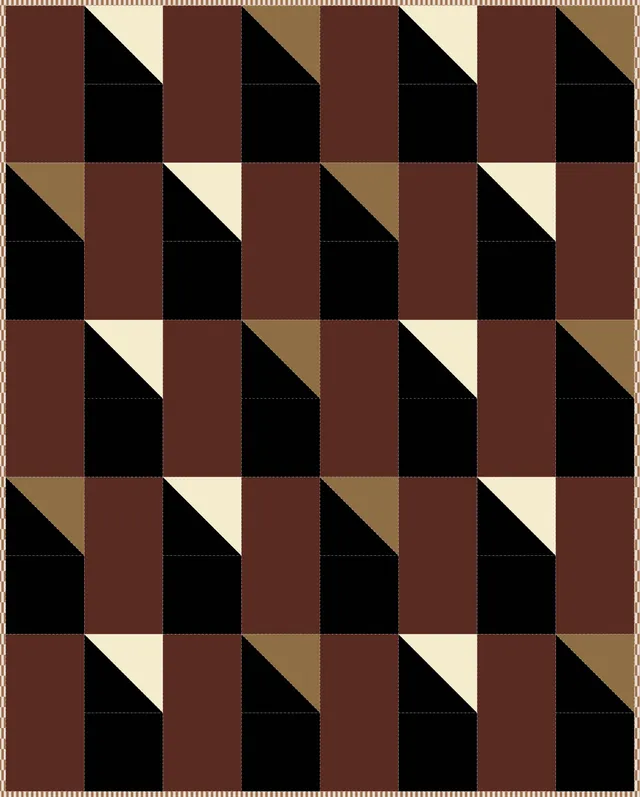
Utah Tears
4 Fabrics
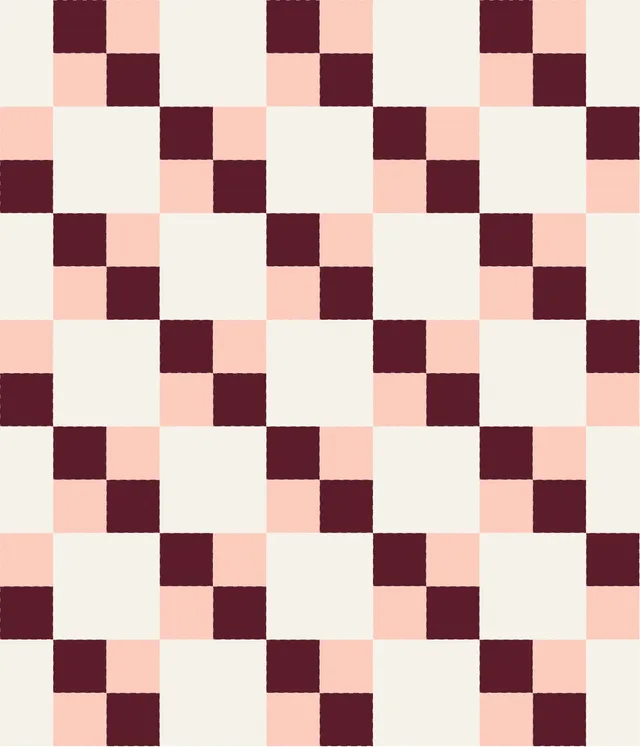
Sydney
4 Fabrics
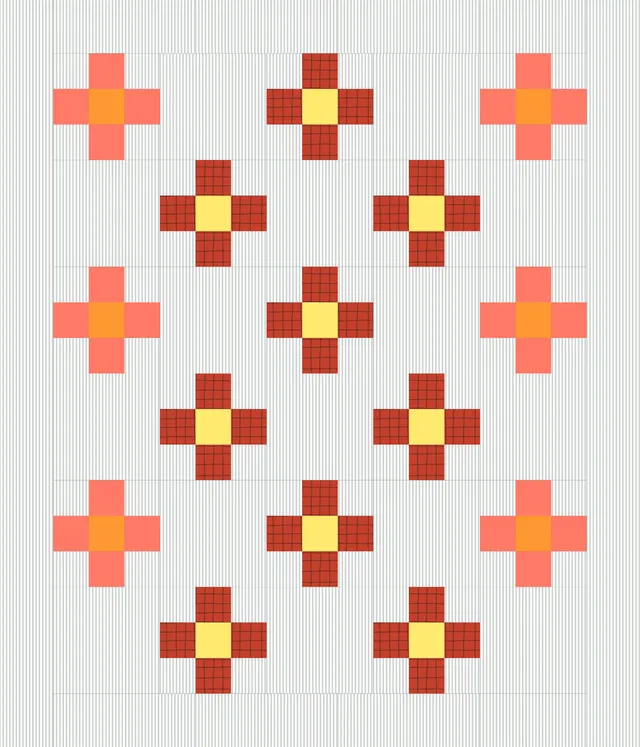
Florida
4 Fabrics
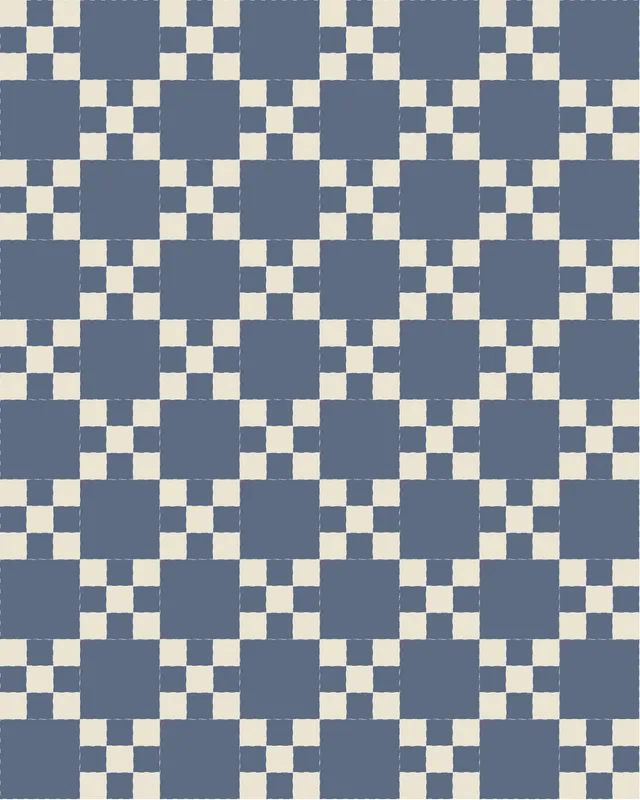
SF Blues
3 Fabrics
Sofie
48" x 60"
Jo
72" x 96"
Amanda
48" x 60"
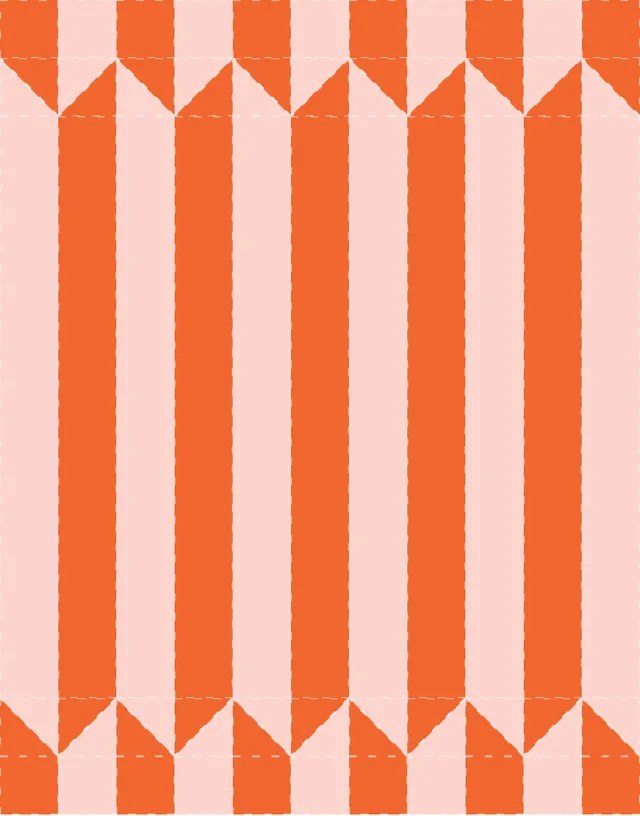
Hayish
66" x 84"
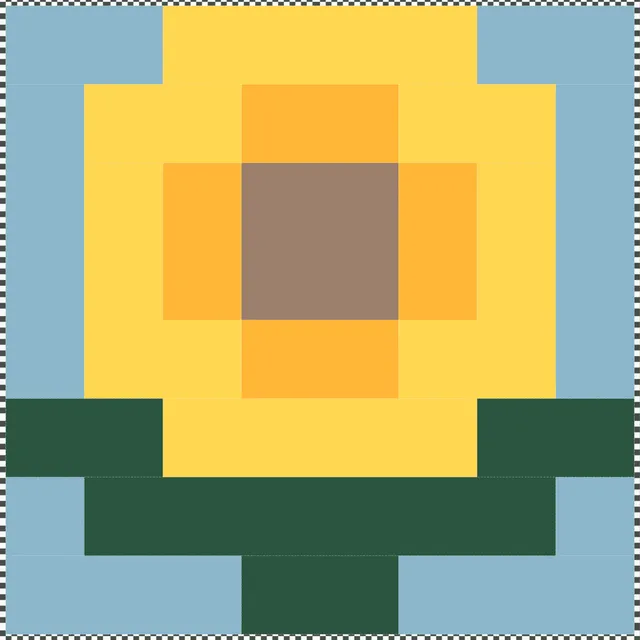
Bloom
48" x 48"
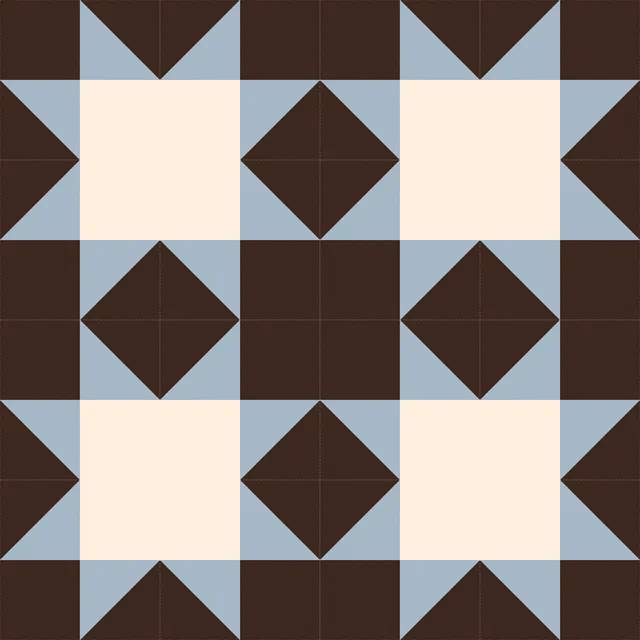
Another log on the fire
48" x 48"
Start from scratch, or remix and make it your own
ProjectsFrequently asked questions
Yes. Yard is completely free to use as an online quilt layout planner. You can design quilt layouts, experiment with square and half-square triangle blocks, and test color combinations directly in your browser without paying or downloading software.
It is designed to make planning a quilt layout simple and accessible, whether you are sketching an idea or preparing a full quilt design.
Yard is built for planning block-based quilt layouts. You can create grid-based designs using squares, half-square triangles, rectangles, and other quilt blocks, then experiment with color placement and composition.
It is focused on layout planning rather than full pattern drafting. This makes it ideal for visualising a quilt before cutting fabric or sewing.
Yes. Yard works as quilt design software that runs entirely in your browser. There is nothing to download or install. It focuses specifically on quilt layout planning and color exploration using real quilting block rules. Compared to traditional desktop programs, it is faster and simpler for testing ideas and refining compositions.
Yes. Yard is an online quilt layout tool that allows you to choose a grid size, add blocks, adjust colors, and see changes instantly.
Because it works in the browser, you can design and iterate quickly without redrawing layouts on paper or using separate software.
Yes. Yard works like digital quilt graph paper. Instead of sketching blocks by hand, you can place them on a grid, adjust proportions, and experiment with layout ideas visually.
This makes it easier to plan a quilt layout, explore variations, and refine your design before sewing.
Yes. One of Yard’s main strengths is allowing you to test quilt colors before cutting fabric. You can swap colors, compare variations, and explore contrast or balance in seconds. This helps reduce mistakes and gives you more confidence before committing fabric and time.
A quilt layout planner is a tool that helps you arrange blocks, test compositions, and visualise the overall structure of a quilt before sewing.
Yard functions as a digital quilt layout planner. It allows you to experiment with grid-based designs and color placement quickly, helping you make layout decisions with clarity.
Yard is built for quilters who want a simple, visual way to plan layouts.
It works well for beginners who want clarity when starting a quilt, and for experienced quilters who want to experiment with composition, contrast, and balance before cutting fabric.
If you currently sketch layouts in notebooks or on graph paper, Yard offers a faster digital alternative.
Yes. Each grid cell represents a real quilt block.
Square blocks use one solid color. Half-square triangle blocks use two solid colors split diagonally. There are no curves, gradients, or decorative effects that cannot be sewn.
Designs created in Yard reflect layouts that can actually be pieced.
Yes. Yard is designed for rapid experimentation.
You can remix layouts, swap blocks, adjust grid sizes, and test multiple variations in minutes. This makes it easier to compare ideas and refine a quilt layout before sewing.
No. Many quilters plan layouts using notebooks or graph paper.
A digital quilt design tool like Yard simply makes iteration faster. You can test layout changes, explore color balance, and visualise adjustments instantly without redrawing your design each time.